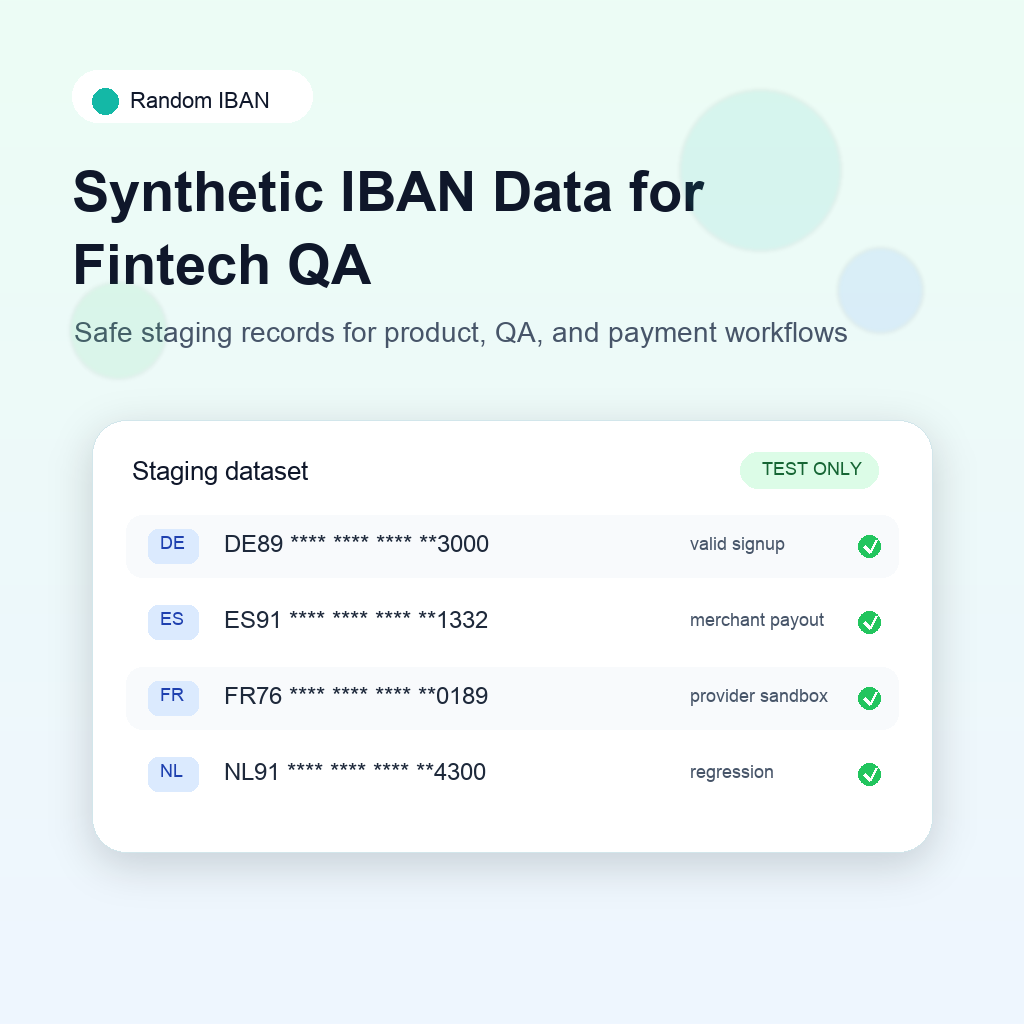
As equipas fintech precisam muitas vezes de dados de contas bancárias realistas muito antes de uma funcionalidade de pagamentos estar pronta para produção. O produto quer rever os fluxos de adesão, QA precisa de casos repetíveis, o desenvolvimento precisa de fixtures para APIs, formulários e tarefas em segundo plano, e as equipas de segurança e conformidade querem garantir que os dados bancários reais não são copiados para staging.
Os dados IBAN sintéticos resolvem essa tensão. Fornecem números de conta que parecem e funcionam como IBANs reais para efeitos de teste, sem depender de registos de clientes verdadeiros.
O que são dados IBAN sintéticos
São dados de teste gerados que seguem a estrutura real dos IBANs. Podem incluir o código do país, comprimento, padrão BBAN e comportamento do checksum corretos para os países suportados pelo produto.
O objetivo não é simular movimentos de dinheiro reais. É tornar os fluxos do produto e da engenharia suficientemente realistas para serem testados em segurança.
Os IBANs sintéticos são úteis para:
- Ecrãs de adesão de contas bancárias.
- Fluxos de configuração de pagamentos a vendedores.
- Formulários de perfis de fornecedores e comerciantes.
- Testes de salários e tesouraria.
- Integrações sandbox de prestadores de pagamentos.
- Testes de regressão de formatação, mascaramento e armazenamento.
- Ambientes de demonstração para as equipas de vendas ou de apoio ao cliente.
Se o fluxo só precisa de um número de conta estruturalmente válido, os dados gerados são geralmente preferíveis a dados copiados da produção.
Porque os IBANs reais não pertencem a staging
Copiar dados de contas de produção para ambientes de desenvolvimento ou QA cria um risco evitável. Mesmo com acesso limitado, IBANs reais podem aparecer em registos, capturas de ecrã, ficheiros CSV exportados, ferramentas de suporte, eventos de análise, payloads de tarefas falhadas ou monitorização de erros.
Uma regra simples ajuda: os sistemas não produtivos devem usar dados bancários não produtivos.
Isto apoia a minimização de dados e uma separação clara dos ambientes. Também permite que desenvolvimento e QA partilhem registos, capturas e relatórios de erros sem ocultar dados bancários reais todas as vezes.
Começa pelos cenários do produto
Bons dados de teste devem corresponder ao funcionamento do produto. Em vez de manter um IBAN genérico em todas as contas de teste, cria pequenos grupos de registos sintéticos para os cenários suportados pela equipa.
| Cenário | O que testar |
|---|---|
| Adesão de novo cliente | Um utilizador adiciona um IBAN pela primeira vez |
| Configuração de pagamentos de comerciante | Uma empresa guarda uma conta de liquidação |
| Atualização de conta | Um utilizador substitui um IBAN existente |
| Revisão manual | As operações verificam dados bancários mascarados |
| Falha do prestador | Uma API sandbox rejeita uma conta de pagamentos |
| Lançamento em vários países | QA verifica comprimento e formatação específicos |
| Importação em massa | As finanças carregam um CSV com muitos beneficiários |
Assim, os testes ficam ligados ao comportamento do produto e não apenas à validação técnica.
Usa fixtures estáveis e valores gerados novos
Normalmente precisas tanto de fixtures estáveis como de valores gerados novos.
Fixtures estáveis são úteis para testes automatizados. Um teste unitário pode confirmar que uma API de adesão aceita um IBAN alemão conhecido, normaliza espaços, guarda uma apresentação mascarada e devolve uma resposta previsível.
Valores novos são úteis em testes exploratórios. Ajudam a descobrir pressupostos sobre comprimento por país, maiúsculas, espaços e tamanho dos campos da base de dados. Também são úteis quando QA precisa de vários exemplos do mesmo país sem reutilizar o mesmo número em todas as execuções.
Um conjunto equilibrado pode incluir:
- Um IBAN válido por cada país suportado no lançamento.
- Exemplos de IBANs curtos e longos.
- Entradas com espaços que devem ser normalizadas corretamente.
- Entradas em minúsculas que devem ser convertidas para maiúsculas.
- Exemplos de países não suportados.
- Exemplos sandbox ligados a respostas específicas de sucesso ou falha.
A Random IBAN ajuda a gerar rapidamente exemplos por país e a guardar o conjunto escolhido num ficheiro de fixtures partilhado ou num guia de QA.
Mantém todo o registo sintético
Um IBAN realista associado a um perfil real de cliente ainda pode causar confusão. Mantém todo o registo sintético.
Convenções práticas:
- Usa nomes de teste como
QA Merchant Germany. - Usa domínios de email reservados para testes internos.
- Adiciona metadados como
environment: stagingousource: synthetic_fixture. - Evita nomes de clientes reais junto a dados bancários gerados.
- Mantém as contas sandbox dos prestadores separadas das fixtures gerais.
Isto é importante em demonstrações, capturas de ecrã, formação do suporte e relatórios de erros. Um registo claramente sintético é mais fácil de partilhar e eliminar.
Testa para além do campo de formulário
Muitos problemas de IBAN acontecem depois da validação inicial. O formulário pode aceitar o valor corretamente, mas o fluxo seguinte pode falhar porque mascaramento, armazenamento, exportações ou adaptadores de prestadores tratam o valor de forma diferente.
Revê todos os locais onde o IBAN aparece ou circula no sistema:
- Formulários de entrada.
- Payloads de pedidos API.
- Registos da base de dados.
- Painéis de administração.
- Ferramentas de suporte.
- Modelos de email.
- Faturas PDF ou relatórios de pagamentos.
- Registos de auditoria.
- Webhooks.
- Exportações de dados.
É aqui que os dados sintéticos são especialmente valiosos. Os testers podem fazer passar valores realistas por todo o sistema sem espalhar dados de contas reais por ferramentas secundárias.
Acrescenta controlos simples
Não precisas de um processo pesado de governação para melhorar a segurança dos dados de teste. Alguns controlos práticos reduzem rapidamente o risco.
Começa por:
- Proibir IBANs reais em ambientes locais, de desenvolvimento, staging e demonstração.
- Adicionar contas bancárias sintéticas aos dados de seed.
- Mascarar IBANs por defeito nos registos e ferramentas internas.
- Restringir exportações a partir de sistemas não produtivos.
- Rever capturas de ecrã e dados de demonstração antes de os partilhar externamente.
- Documentar quais IBANs são sintéticos e onde são usados.
Estes controlos são simples para as equipas de produto e engenharia seguirem e continuam a apoiar as expectativas de privacidade e segurança.
Um fluxo prático
Um fluxo organizado de IBAN sintéticos costuma ser:
- Definir os países e fluxos de pagamento suportados pelo produto.
- Gerar IBANs realistas para esses países.
- Agrupá-los por cenário do produto, não apenas por país.
- Guardar exemplos aprovados num ficheiro de fixtures partilhado ou guia de QA.
- Usar exemplos novos nos testes exploratórios.
- Manter separados os valores sandbox específicos do prestador.
- Confirmar que registos, exportações e capturas nunca expõem dados bancários reais.
Assim, todas as equipas partilham uma fonte de verdade. Produto testa a jornada do cliente, QA reproduz problemas, desenvolvimento automatiza a cobertura e conformidade verifica que não são necessários dados bancários de produção.
Erros comuns a evitar
Evita basear todos os testes num único IBAN conhecido. Pode passar as verificações básicas, mas não revelará problemas de layout, pressupostos por país ou armazenamento.
Evita tratar os dados sandbox de um prestador como dados de teste universais. Os exemplos do prestador acionam frequentemente comportamentos sandbox específicos e podem não ser adequados a todos os fluxos.
Evita colocar IBANs sintéticos em registos que, de resto, são de clientes reais. O perfil de teste deve ser sintético por completo, não apenas no campo bancário.
Evita deixar o comportamento dos IBANs para o fim do QA. Os dados bancários afetam adesão, operações, finanças, exportações, suporte e notificações e merecem cobertura desde cedo.
Recursos relacionados
Para exemplos prontos a usar, consulta Números IBAN de teste para desenvolvimento. Para planear o QA, usa a Checklist de testes de IBAN. Se a equipa suporta vários países, compara as estruturas no guia Formato do IBAN por país.
Conclusão
Os dados IBAN sintéticos permitem às equipas fintech testar fluxos relacionados com pagamentos sem expor dados bancários reais. A abordagem mais forte não é uma longa folha de cálculo de números aleatórios, mas uma estratégia de dados de teste partilhada, ligada a cenários reais do produto, limites claros entre ambientes e cobertura de QA repetível.
Usa IBANs gerados para tornar o desenvolvimento mais rápido, o staging mais seguro e os testes mais próximos dos fluxos que os teus clientes vão realmente utilizar.